You were never going to read it anyway.
Named after what actually happens to your reading list, and built to fix it: a calm reader, article audio, and a podcast made from your backlog.
Free plan, no card required · Web & iOS
 Chrome extension
 Firefox extension
 Safari extension
Why “ReadNever”
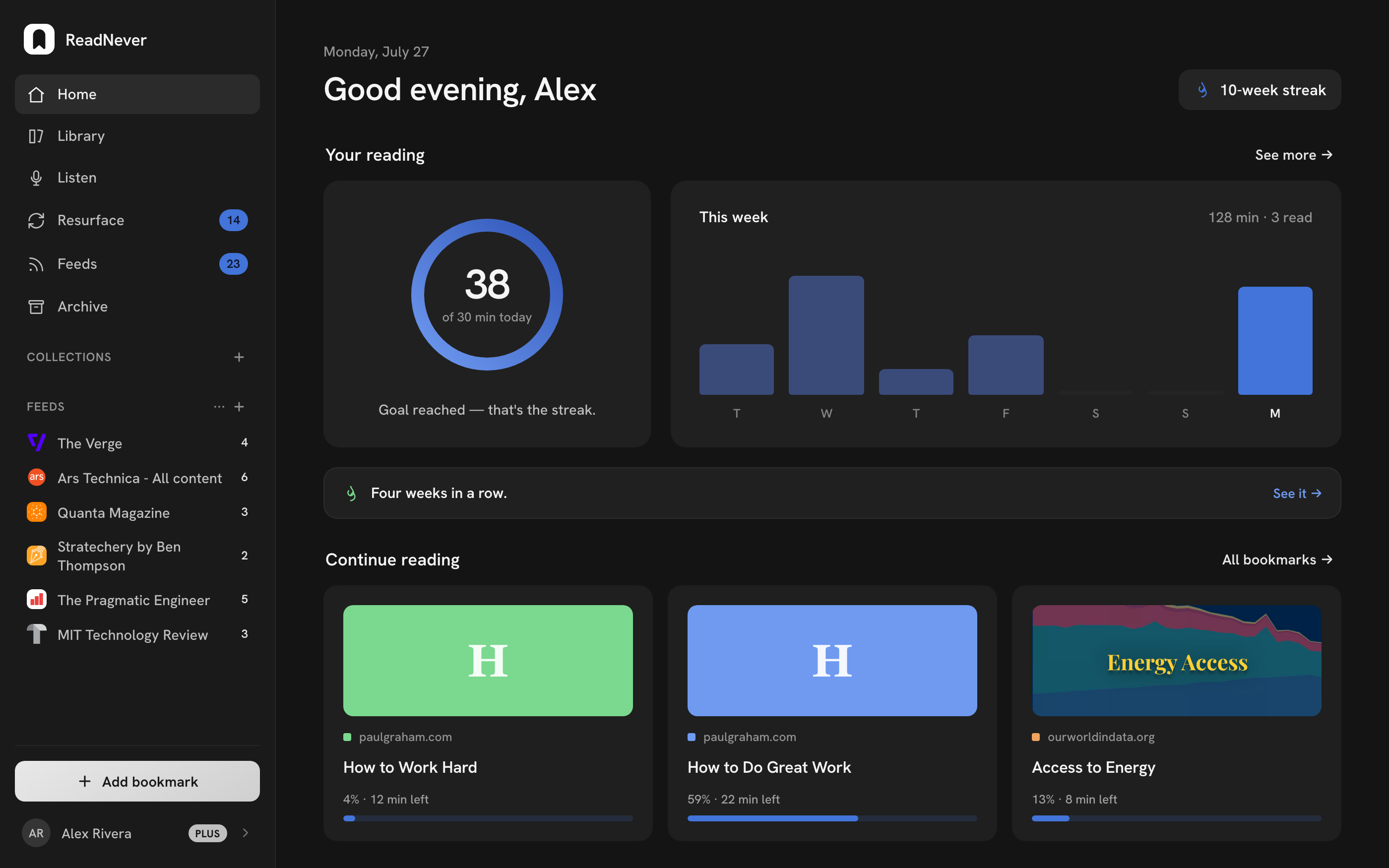
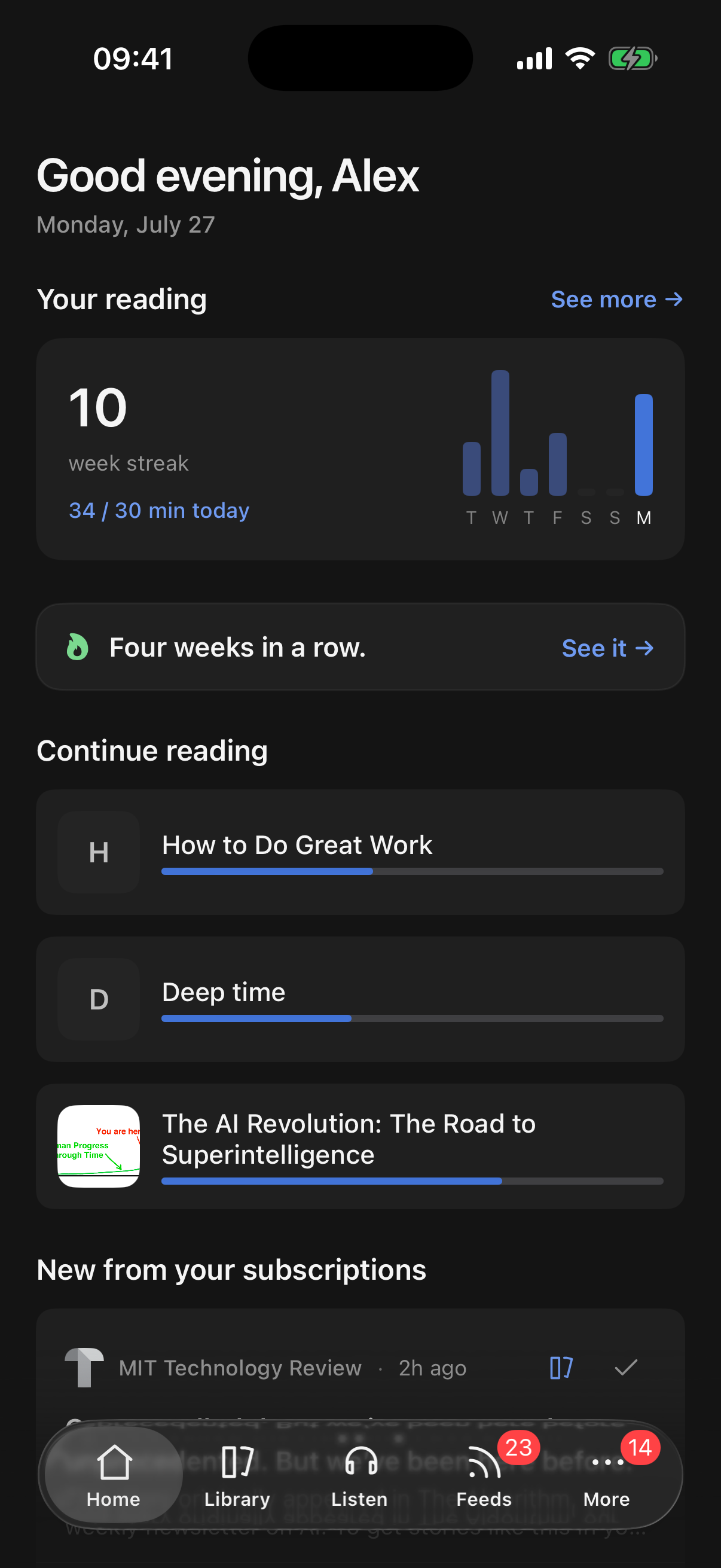
Most saved articles are never opened. Every read-later app knows it. We just put it in the name. So ReadNever is built for the list you actually have: it summarizes what you save, reads it aloud, turns your queue into a podcast, and brings your best highlights back to you. Reading isn't the only way through your list.
The ReadNever podcast
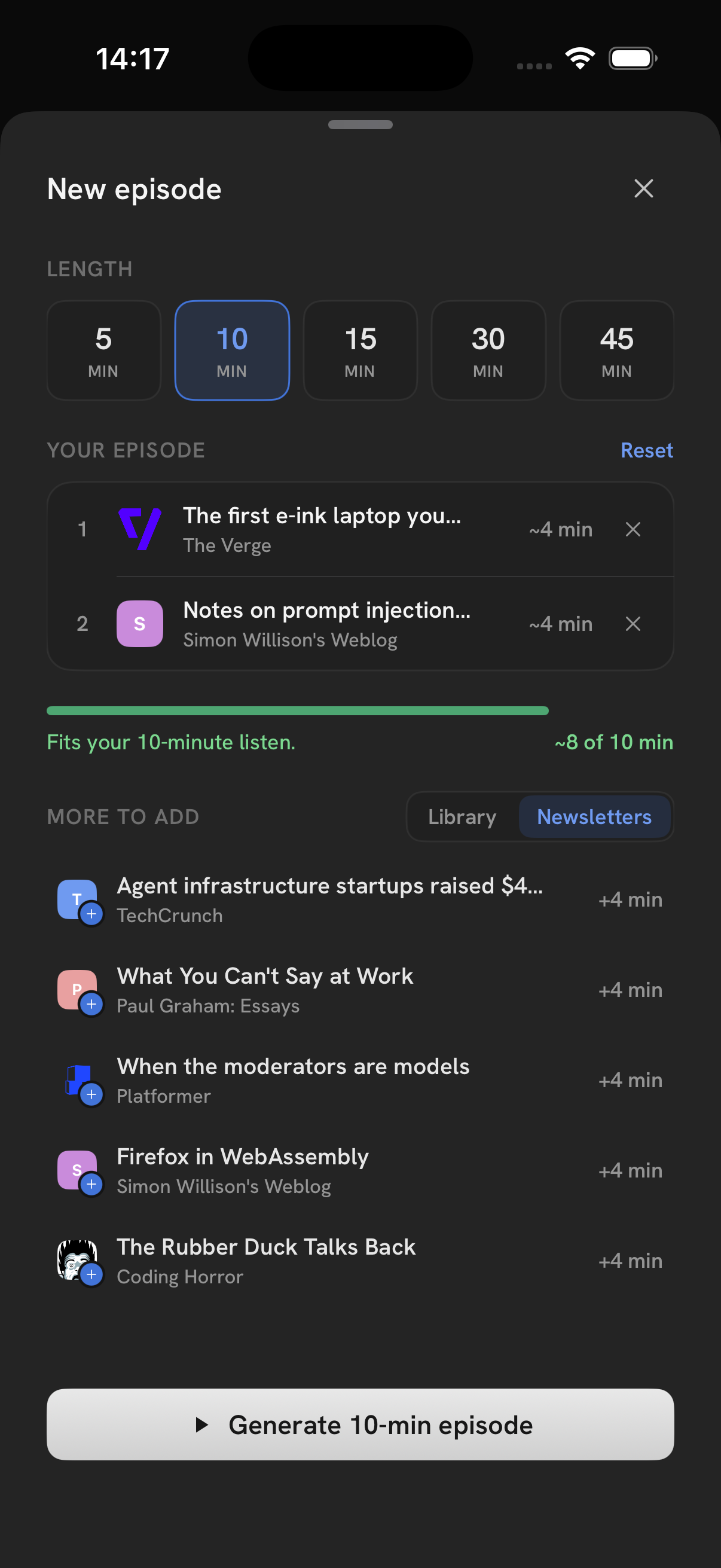
Ten saved articles. One episode you'll actually finish.
One tap turns your queue into a podcast: a host talks through what you saved, summarizing the key points and connecting ideas across pieces, like a real show.
Listen where you can't read: while driving, cooking, or walking the dog.
Less effort than reading: the host summarizes several articles for you.
Personal: every episode is built from the articles you saved.
Everything you save, in one quiet place
Reader
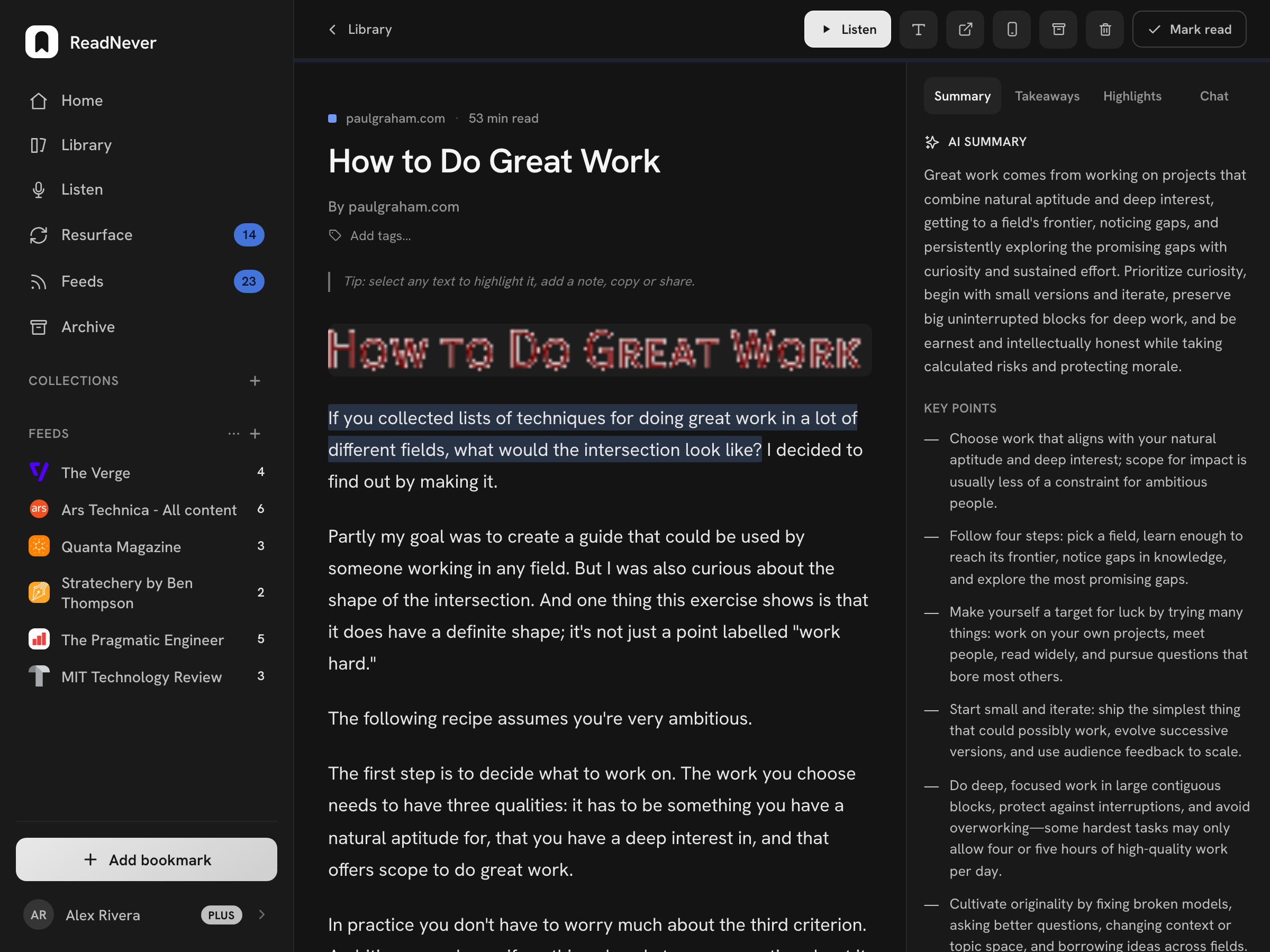
A reading view that gets out of the way
Clean typography, your highlights, your pace. No popups, no paywall clutter. Just the article.
Listen
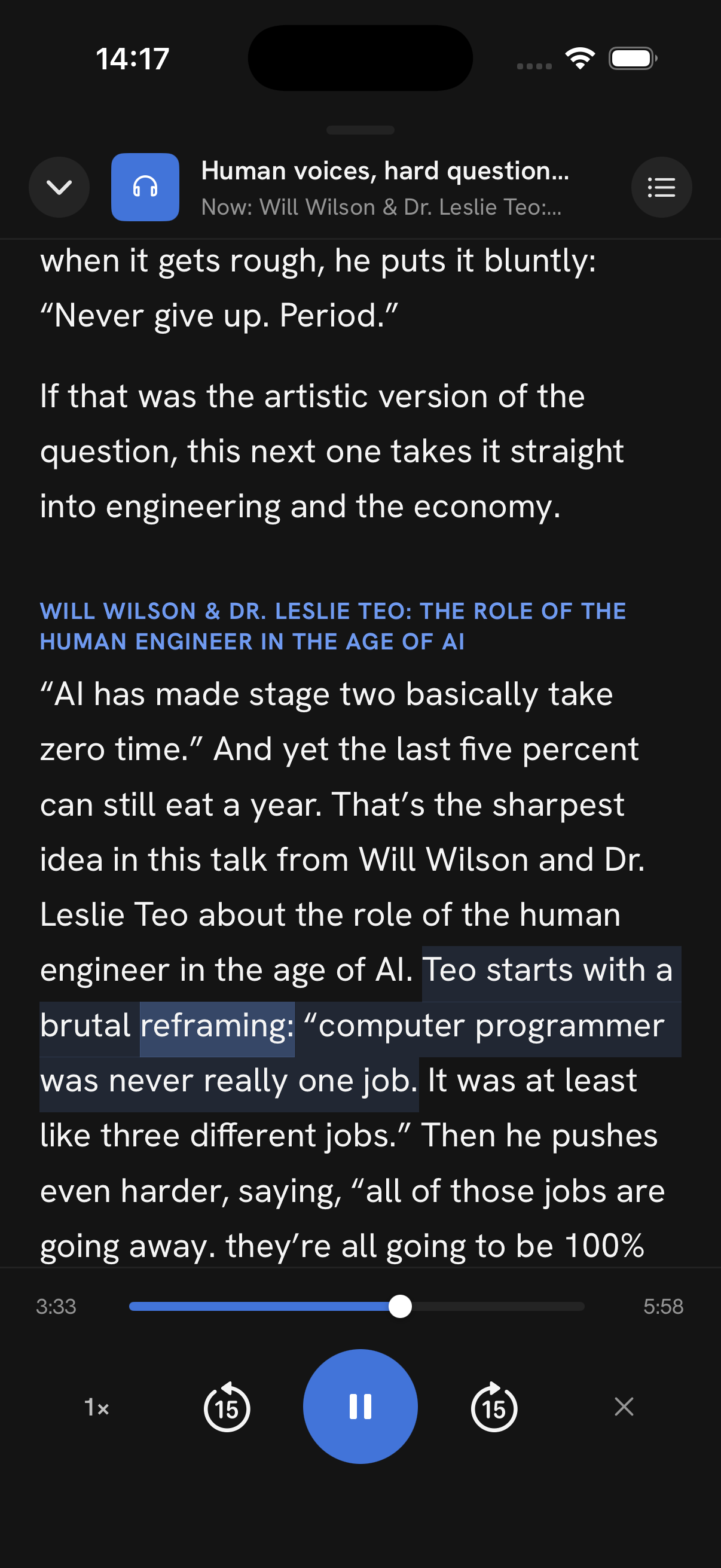
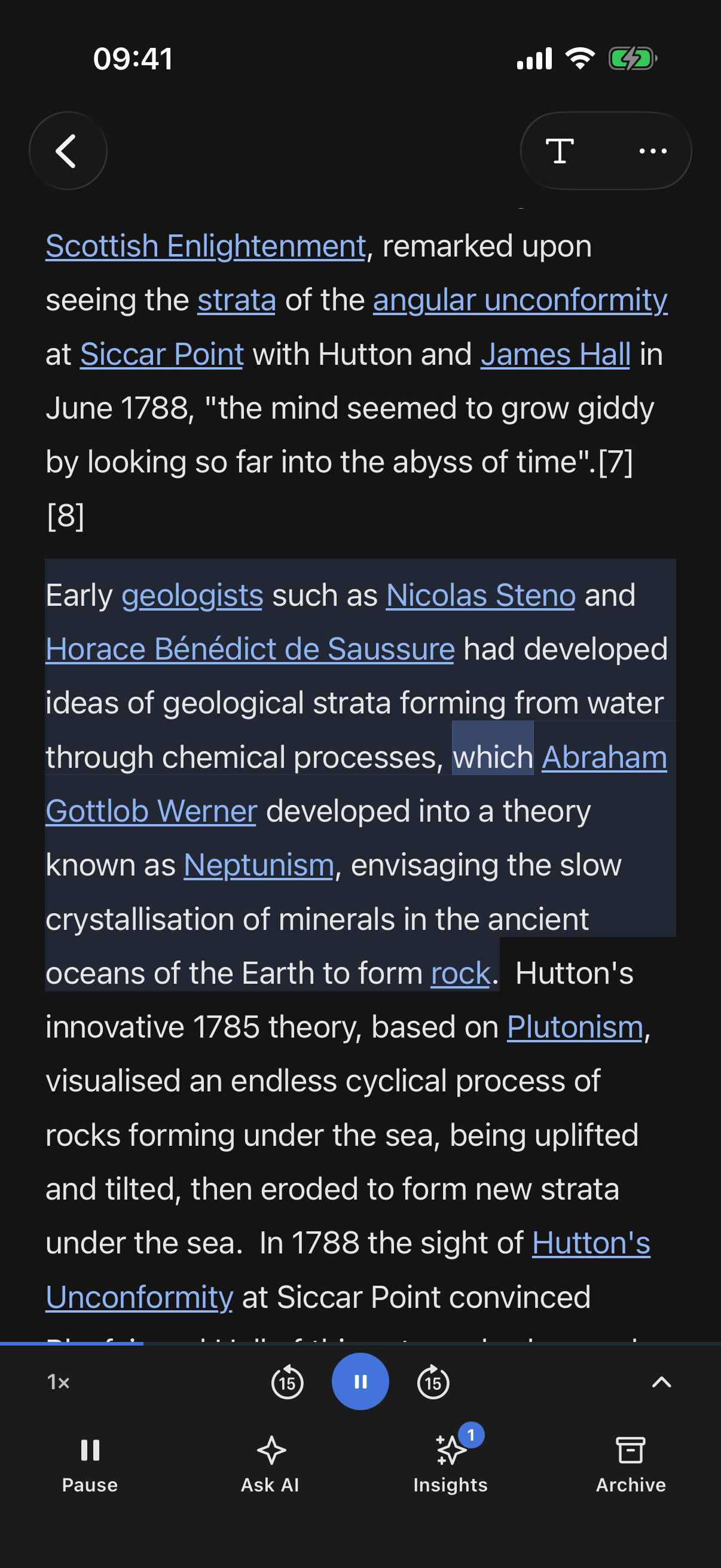
Every article, read aloud
Natural voices, not robot text-to-speech. Audio stays in sync with your reading position, so you can switch between eyes and ears mid-article.
Feeds
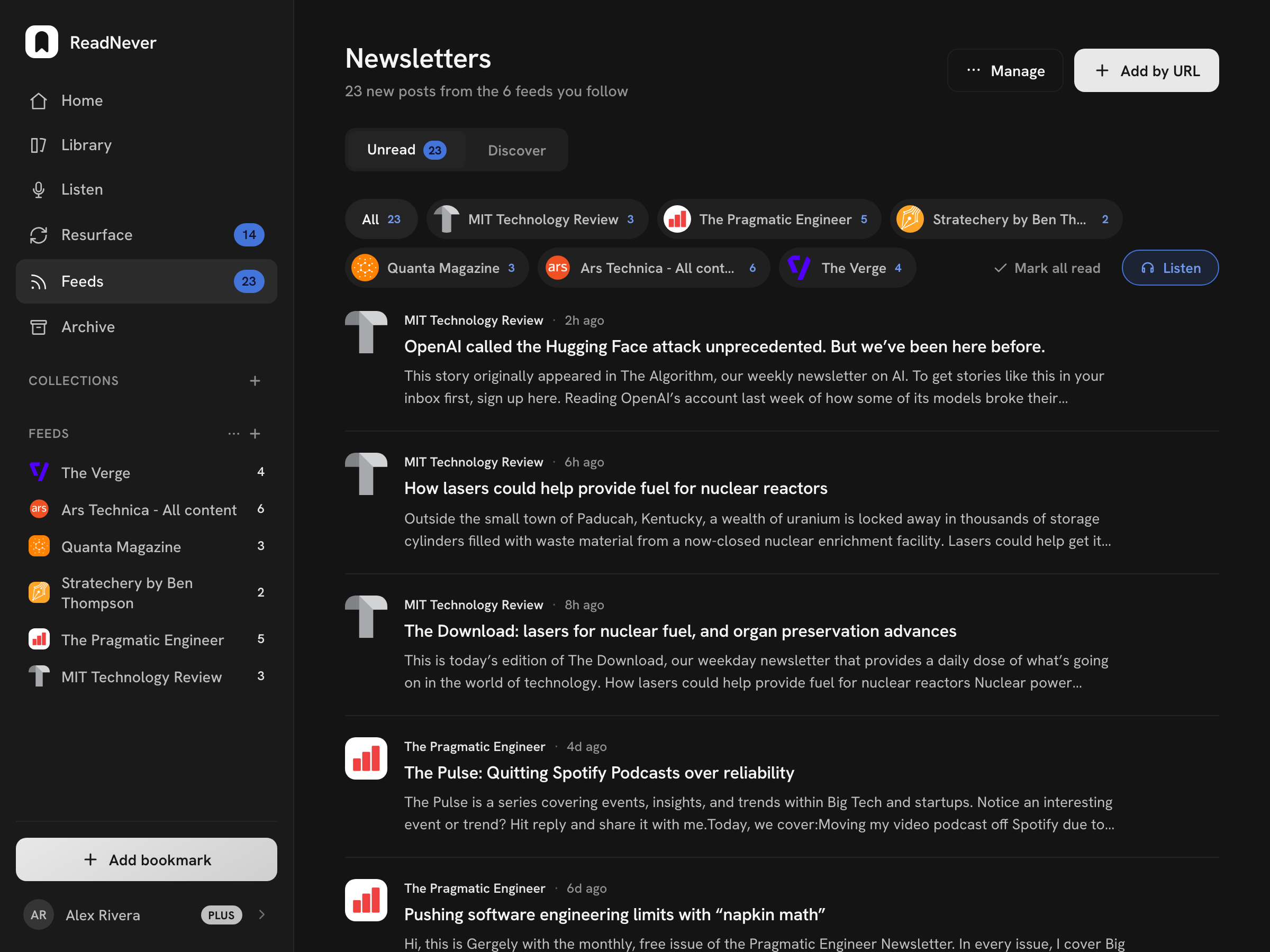
Newsletters, out of your inbox
Subscribe with your ReadNever address and every issue lands in your queue: readable, searchable, and summarizable like anything else you save.
Resurface
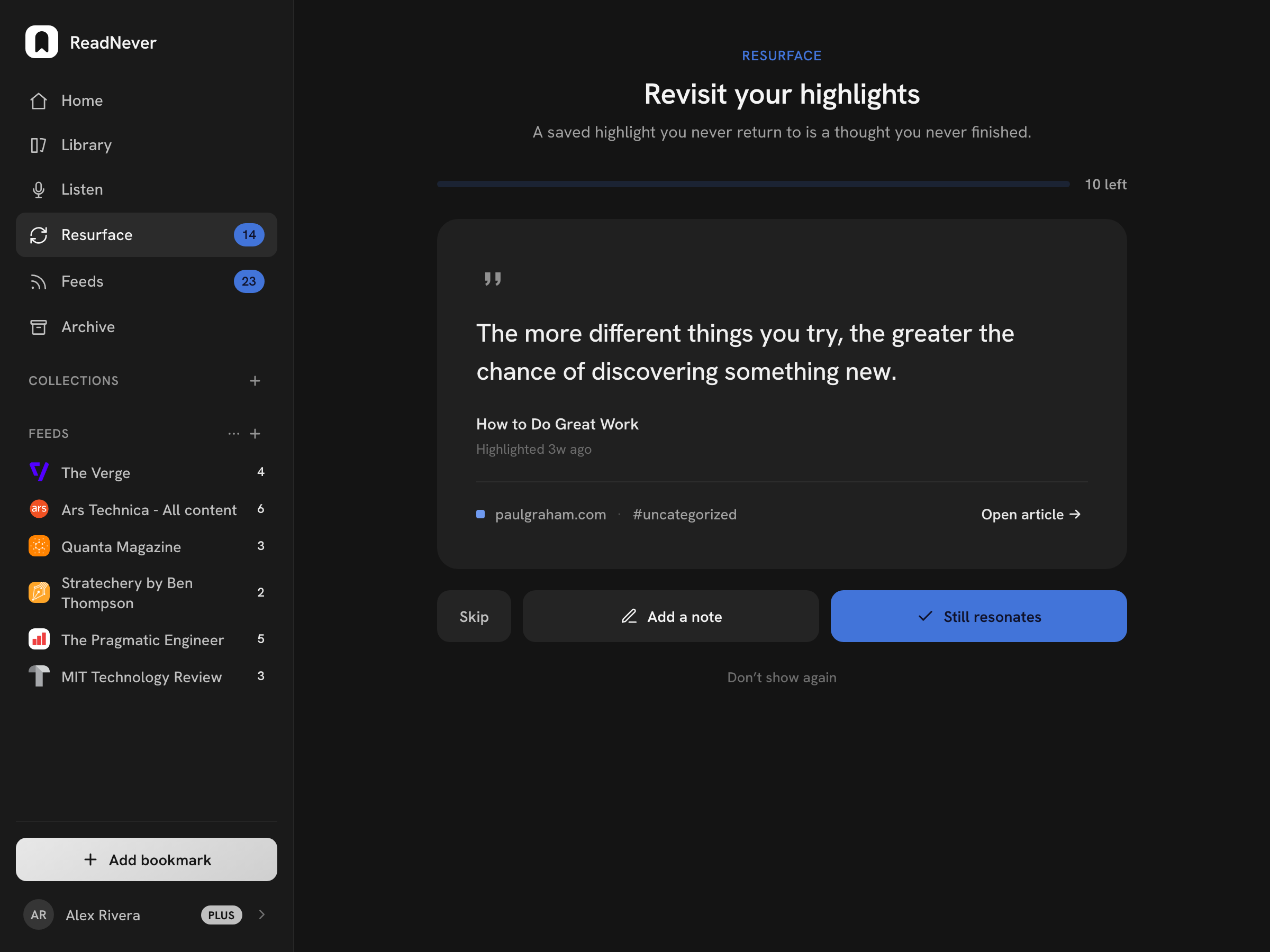
Your highlights come back to you
The best lines you've marked resurface on a spaced schedule, so what you read actually sticks, even from pieces you never finished.
Also in the box
AI summary
The key points of any article in one tap, before you decide to read it in full.
AI chat
Ask questions about what you're reading. Answers come from the article itself, with the source passage linked.
Videos too
Save YouTube videos alongside articles. The transcript comes with them, so you can summarize, search, and chat like anything else you save.
Offline
Articles and highlights stay available without a connection.
Discover
Find writers worth following.
Browse newsletters and blogs by topic, follow the ones you love, and new posts land in your Feeds. No algorithm, no noise.










Your queue isn't going to read itself.
ReadNever will, out loud if you like. Free plan, no card, one account synced everywhere.
On your computer
Start in the browser, nothing to install. Add the Chrome, Firefox, or Safari extension to save as you browse.
Open the web app →